Read what's different
Each theme's page lists its changes against the original release, in plain words.
Open a theme to see what's different. Molt reads every file, compares it with the original release and groups the changes. This takes up to a minute.
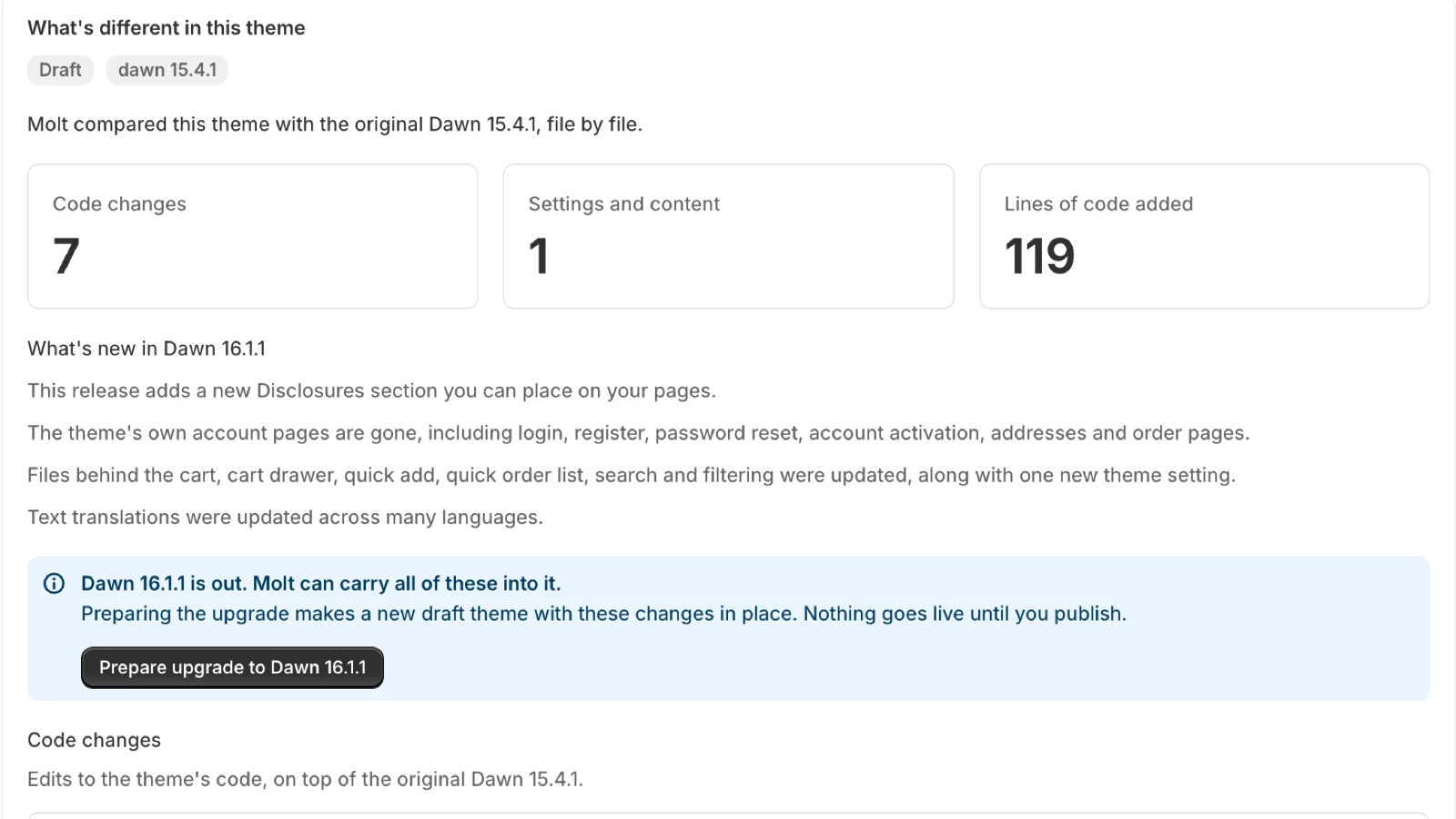
The three counts
| Count | What it covers |
|---|---|
| Code changes | Edits to Liquid, CSS, JavaScript, translations and the settings schema |
| Settings and content | Differences in config/settings_data.json and in JSON templates and section groups |
| Lines of code added | Lines added to code files. Settings and content don't count |
Why an untouched theme shows settings and content
Colors, page layouts and text can come from the theme editor or from the copy of the theme Shopify installed. Molt can't tell these apart, so it lists them separately from code and leaves the credit open.
The names
A model names each customization from a short excerpt of its code, so a group of files reads as "Size guide on product pages". Open Technical details on a card to see the files and line counts behind the name.
Checking again
Molt reuses its last result. Click Check again after you edit the theme.