Read the review page
The review page shows what happened to each customization and what needs your attention.
When an upgrade finishes, its page shows what Molt did.
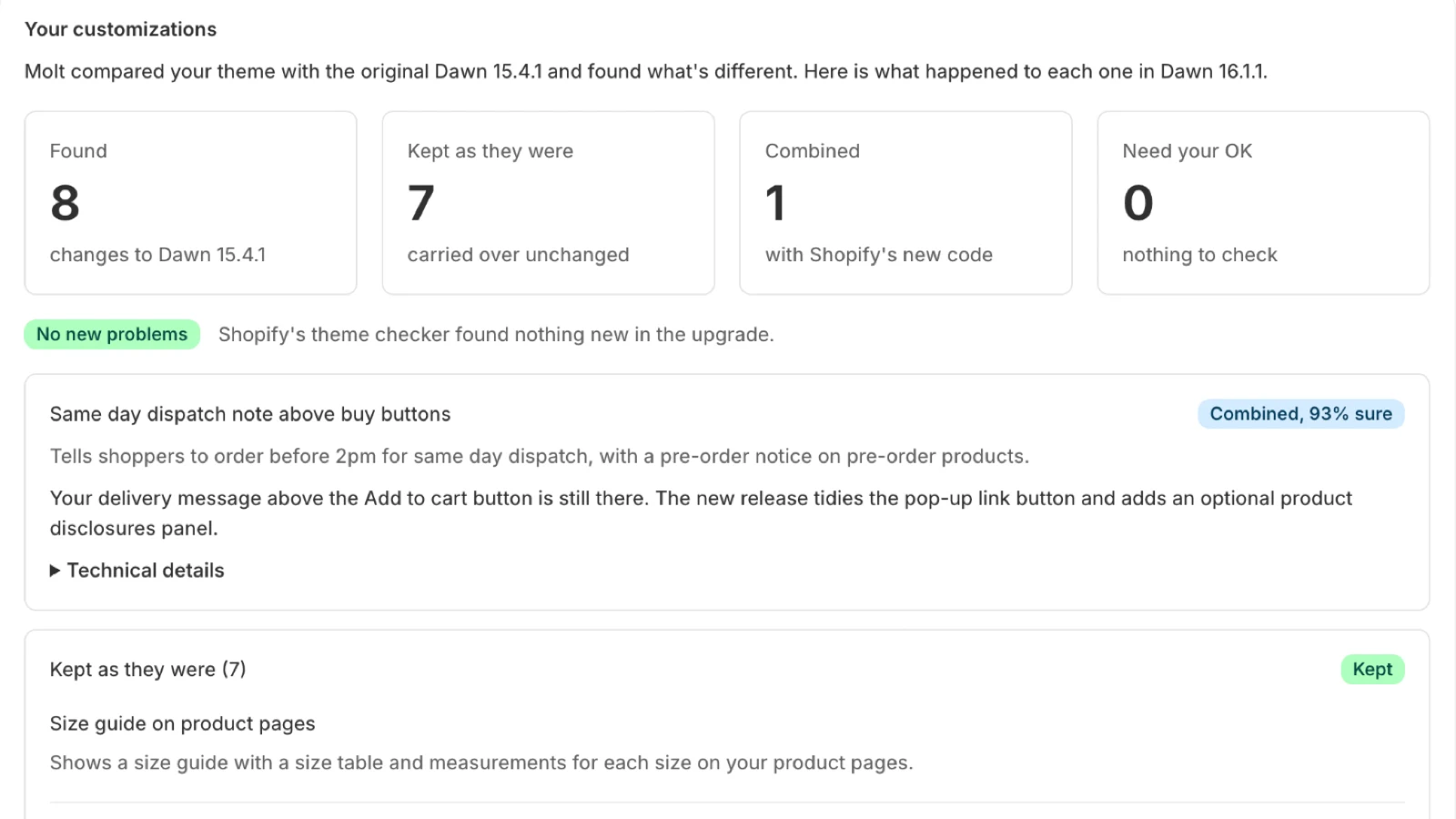
The counts
| Count | Meaning |
|---|---|
| Found | Customizations on your theme |
| Kept as they were | Carried over unchanged, because the release left that code alone |
| Combined | Your edit and Shopify's new code were merged |
| Need your OK | Molt made a choice you should look at. The card says why |
Reading a card
Each card names the customization and what happened to it. Combined shows a percentage, the model's own confidence in that merge. Under 70%, the card moves to Needs your OK. Treat the number as a rough guide. It has been most useful for catching the low end.
Open Technical details for the files and the written explanation.
Common reasons a card needs your OK
- Your theme no longer has a file, and the release updated it. Molt included the new copy.
- A release needs a file your store removed. Molt put Shopify's copy back.
- The release removed a file you changed. Molt kept your copy.
- Lines you added aren't in the merged file. Check that file.
The theme checker
The badge beside the counts comes from Shopify's Theme Check. It counts problems that are new compared with both the release and your original. Translation gaps in languages the release added don't count, because those fall back to your default language.
Customer accounts
Some releases remove the classic customer account pages. Molt reads which version your store uses. On new customer accounts this changes nothing for your customers. On classic accounts, you confirm before you can publish.